
MiniMax H3 vs Kling AI: Which Fits Your Creative Pipeline?
MiniMax H3 vs Kling AI is a choice between building a reference-driven pipeline and using a managed director-style production system: H3 emphasizes open deployment and explicit multimodal context, while Kling AI emphasizes multi-shot storyboarding, integrated editing, narrative control, and platform-managed delivery.
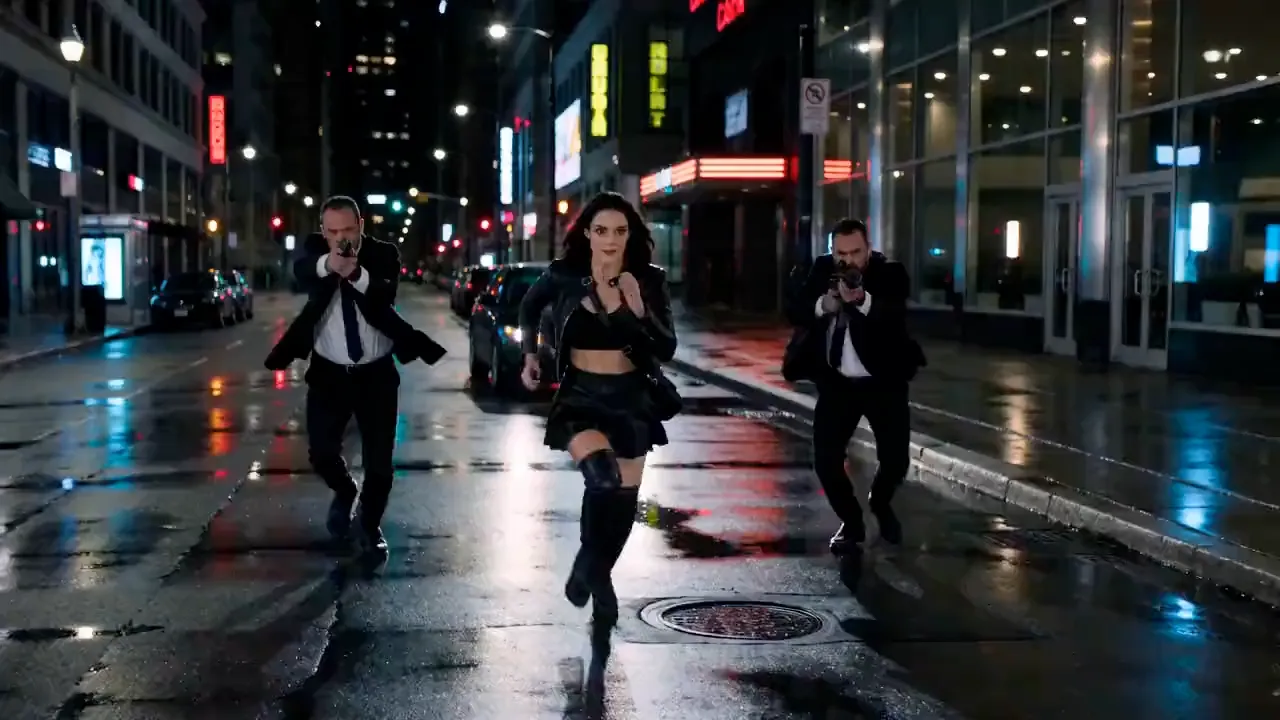
References · Storyboards · Audio · Resolution · DeploymentWORKFLOW ILLUSTRATION · NOT H3 OR KLING OUTPUT

- SOURCE
- REF
- ACTION
- PLAN
- OUTPUT
- 16:9

- SOURCE
- CONTEXT
- ACTION
- DIRECT
- OUTPUT
- 16:9
- SOURCE
- EDIT
- ACTION
- REVIEW
- OUTPUT
- 16:9
MiniMax H3 = build the generation pipeline around your references. Kling AI = direct the production inside an integrated creator system.
MiniMax H3 vs Kling AI at a Glance
| Production area | MiniMax H3 | Kling AI 3.0 Family |
|---|---|---|
| A01Access model | Open weights + hosted options | Managed Kling AI platform |
| A02Text to video | Yes | Yes |
| A03Image to video | Yes | Yes |
| A04Reference to video | Yes | Yes |
| A05Video reference | Yes | Yes |
| A06Audio context/reference | Yes | Varies by 3.0 model and workflow |
| A07Native audio output | Yes | Yes |
| A08Max documented duration | 15 sec | 15 sec |
| A09Base / primary output | 768px short side | Managed model output |
| A10Higher-resolution workflow | H3-Regenerate-2K | Native 4K added to Kling 3.0 series |
| A11First + last frame | Yes | Advanced frame and shot controls depend on current model |
| A12Multi-shot storyboard | Not the defining H3 interface | Available in Video 3.0 Omni |
| A13Open weights | Yes | No comparable open-weight release documented here |
| A14Best fit | Custom / reference-rich pipelines | Integrated directing / storytelling workflow |
Reference Context vs Director-Style Production
The most interesting MiniMax H3 vs Kling AI difference is not resolution. It is the way creators communicate intent to each system.
MiniMax H3 is built around context. Text, images, video, and audio can provide identity, appearance, motion, existing footage, voice, music, or other audiovisual information. The user describes how those inputs relate to the target video.
Kling AI 3.0 moves toward a director-style system. Its current generation emphasizes complex narrative logic, shot-level control, multimodal generation and editing, and—in Video 3.0 Omni—multi-shot storyboarding where the creator can define individual shots.
With H3: assemble context → describe relationships → generate. With Kling: plan the story or shot structure → direct the sequence → generate inside the platform. Neither approach is universally better.
Both Can Build Video from Text
A cyclist crosses a rain-lit city intersection as the camera tracks alongside, then cuts to a close reaction.
Text-to-video does not create a clear winner because both systems support natural-language video generation. MiniMax H3 uses text as one part of a multimodal context system. Kling AI 3.0 also supports text to video and interprets more complex narrative logic in supported workflows.
For one straightforward shot, both can handle the basic requirement. If several independent creative references matter, H3's reference architecture becomes important. If the concept needs an explicit storyboard structure, Kling's current production interface may be more natural.
Both Support Image-Based Video Workflows



H3's FL2VA checkpoint can work with zero, one, or two images. One image can establish a first or last frame; two images can provide first-and-last-frame direction.
Kling AI has a long-standing image to video workflow, and current Video 3.0 can combine it with subject reference. Both can animate an existing image. The deeper difference is whether that image begins one shot or belongs to a larger directed production.
Both Systems Can Use References, but H3 Documents the Context More Explicitly
ILLUSTRATIVE REFERENCE CONTACT SHEET · NOT H3 OR KLING OUTPUT

MiniMax H3 officially documents support for up to nine image references inside its Ref2VA workflow, subject to overall context rules. Those sources can define a character, product, and location while the prompt explains their target relationship.
Kling AI 3.0 also supports multiple image references for consistency of characters, objects, and scenes. Both systems offer reference-based work; H3 exposes an explicitly documented architecture while Kling integrates references into its broader All-in-One directing system.
Both Can Work with Video Reference Context
MiniMax H3 supports up to three video reference clips under official context limits. They can communicate motion, performance, camera movement, and existing footage.
Kling AI 3.0 also supports video references. Video 3.0 accepts reference videos, while Video 3.0 Omni can extract visual and voice characteristics for new scenes. The choice is between H3's explicit Ref2VA architecture and Kling's integrated reference-and-directing environment.
Both Systems Generate Audio with Video
MiniMax H3 generates 32 kHz stereo audio jointly with video. Kling AI 3.0 also generates native audio and supports multiple languages, dialects, and accents in its current model series.
For a storyboard containing dialogue, decide where the performance direction will live. H3 accepts an audio reference with accompanying visual context; Kling places audiovisual storytelling and multilingual dialogue inside its directing environment. Choose according to how the team prepares and reviews each scene. See the audio workflow guide for sound review considerations.
Both Reach 15 Seconds
4–15 SEC15SECKLING
UP TO 15 SEC
Maximum clip length alone should not determine the model choice. H3's duration sits inside its multimodal generation system. Kling's 15-second support is paired with narrative controls for longer takes, story events, and film-like transitions.
Kling AI Has a Distinct Storyboard Advantage
Kling Video 3.0 Omni includes a multi-shot storyboard workflow with individual-shot information such as duration, shot size, viewing angle, narrative content, and camera movement.
MiniMax H3 understands complex multimodal instructions, but a dedicated multi-shot storyboard interface is not the defining structure of its open release. Kling may provide the more direct production experience; H3 provides architectural freedom for teams building their own orchestration.
Kling AI 3.0 Now Has Native 4K; H3 Uses a 2K Regeneration Pipeline
 H32KREGENERATEILLUSTRATIVE FINISHING FRAME
 KLING 3.04KNATIVEILLUSTRATIVE FINISHING FRAME
Compare actual output quality separately.
Start with the delivery brief when weighing Kling against H3. Kling AI 3.0 offers native 4K output; the H3 route first produces a frame with a 768-pixel short side, then passes the base result and original context to H3-Regenerate-2K. These are different finishing paths, so compare the required output size and the work between generation and delivery.
That gives Kling a higher published maximum output resolution, but 4K output and generation quality are not identical concepts. Teams should choose based on delivery requirements and test representative work.
H3 Gives Developers Direct Access to the Model
MiniMax officially released H3's model weights, including dedicated FL2VA and Ref2VA checkpoints, with deployment documented through several inference frameworks. Developers can serve the model, integrate internal systems, choose infrastructure, and build custom interfaces.
Kling AI is presented as Kuaishou's managed creator and commercial platform rather than through an equivalent open-weight release. Teams that want a polished service may prefer that. Developers building custom infrastructure may find direct model access decisive. Hosted access is also available when teams want to use MiniMax H3 online.
Kling AI Reduces the Need to Build the Production Layer Yourself
Kling's All-in-One direction combines understanding, generation, reference workflows, editing, audio, and storytelling controls inside a managed creative system. Collaborative Team Plan functionality also supports professional groups.
MiniMax H3 provides more low-level freedom. Kling provides more of the production environment around the model. The distinction is customizable model infrastructure versus an integrated director-oriented platform.
Kling Keeps Multi-Shot Decisions Close to Generation
Kling's director-style workflow is especially relevant when a creative lead needs to communicate shot order, scale, angle, movement, and narrative purpose without first building a custom orchestration interface. Keeping those choices together can make revisions easier to discuss across directors, editors, and producers.
H3 can support sophisticated multi-shot systems, but the production layer must be designed around the model. Teams should compare the value of owning that orchestration with the speed of using Kling's managed controls. The choice is not simply which model understands a prompt; it is where directing decisions are recorded, revised, and handed to the next person in production.
Kling AI Focuses More Explicitly on Narrative Orchestration
Kling AI 3.0 emphasizes complex story logic and multi-scene or multi-shot direction for commercial storytelling, dialogue sequences, branded content, campaigns, and short-film concepts.
H3 is also capable of rich multimodal generation and editing, but its open release is organized around task checkpoints and reference context rather than a packaged director-style storyboard product. This is a production structure distinction, not a quality ranking.
Both Are Built for Professional Creative Work
Evaluate the pipeline around the shot
This media illustrates how a finished asset may be reviewed. It is not labeled as output from either compared model.
MiniMax positions H3 for advertising, branding, e-commerce, product design, gaming, UI/UX, and other commercial workflows. Kuaishou positions Kling AI across marketing, e-commerce, film, television, short drama, animation, and gaming.
A product team, advertising team, or film previsualization workflow could use either. Choose H3 when custom context and infrastructure matter. Consider Kling when the team benefits more from an integrated directing and production environment.
MiniMax H3 vs Kling AI by Workflow
Open weights provide direct model access.
Video 3.0 Omni provides explicit storyboard controls.
Published reference limits and task-specific checkpoints.
Current 3.0 series includes native 4K output.
Direct model access enables custom infrastructure.
Choose integrated tooling or a custom collaboration layer.
Is MiniMax H3 Better Than Kling AI?
There is no defensible universal winner without representative head-to-head testing. Both support multimodal creation, references, native audio, text-led and image-led generation, professional creative work, and up to 15-second video.
The meaningful differences are structural. H3 gives developers open weights, explicit multimodal reference architecture, task-specific checkpoints, and a documented 2K regeneration pipeline. Kling provides a mature managed environment, narrative controls, Video 3.0 Omni storyboarding, multilingual audiovisual generation, and native 4K output.
If better means more freedom to build the system yourself, H3 is the stronger fit. If better means more production tooling already assembled around the model, Kling AI may be the stronger fit.
Choose H3 or Kling AI by Answering These Questions
MiniMax H3 vs Kling AI FAQ
When several shots need coordinated framing and sequence decisions, evaluate its shot-level controls before planning separate generations.
Prepare a short sequence and inspect whether the intended shot order, staging, and character continuity survive the full sequence.
Choose a custom H3 pipeline when your team needs direct control over deployment and reference preparation.
Use the same approved character material and record how each workflow assigns that material to the intended shot.
No. Review transitions and performance across the sequence, then determine what still requires editing.
Let the delivery requirement decide whether native 4K is necessary. Then compare the supported Kling output with the staged H3 resolution route.
Test a short exchange and review speaker identity, delivery, and scene continuity together with the available language controls.
Measure the handoffs between directing, generating, reviewing, and editing, including who owns revisions.
Keep the story beats and approved references fixed. Evaluate several attempts, including transitions and rejected shots.
Use a small sequence representative of your actual work, with a defined opening, development, and ending.
MiniMax H3 vs Kling AI: Final Recommendation
Prepare a short storyboard and assign who will direct, revise, and approve each shot. Use that sequence to evaluate the production environment.
Choose MiniMax H3 for open weights, custom deployment, explicit multimodal references, task checkpoints, your own orchestration, and the 2K regeneration pipeline. Consider Kling AI for a managed platform, integrated reference and editing workflows, director-style controls, Video 3.0 Omni storyboarding, collaboration features, and native 4K output.
Updated August 2026