
MiniMax H3 vs Sora 2: Which Model Makes Sense Now?
MiniMax H3 vs Sora 2 is primarily a migration and lifecycle decision: H3 offers an active open-weight path for new multimodal video workflows, while teams with an existing Sora 2 integration need to finish current work and plan around the published September 24, 2026 API retirement date.
Availability · References · Resolution · Audio · DeploymentMiniMax H3 vs Sora 2 Has a Major 2026 Difference
Before comparing individual features, there is one difference users should understand first. MiniMax H3 is currently active. MiniMax released the H3 model family with open weights and documented workflows for text-to-video, image-led generation, multimodal references, native audio, and higher-resolution regeneration.
Sora 2 is in a different lifecycle stage. OpenAI discontinued the Sora web and app experience on April 26, 2026. The current Sora 2 API documentation labels the model as Legacy, and OpenAI says the Sora API will be discontinued on September 24, 2026.
Sora 2 can still matter when a team already has an existing integration or wants to finish a current project before the API shutdown. It is much harder to recommend as the foundation of a brand-new long-term production system.
MiniMax H3 vs Sora 2 in One Minute
Choose MiniMax H3 when you are starting a new AI video workflow, need an actively supported model, want open weights, require image, video, or audio references, need several references in one generation context, want a documented path up to 2K, or need clips up to 15 seconds.
Sora 2 still makes sense when you already have a working API integration, need to finish existing jobs before the retirement date, and migrating immediately would interrupt production close to completion.
For a new workflow, MiniMax H3 is the more sustainable choice. For an existing Sora 2 workflow, the decision is increasingly about migration rather than new adoption.
MiniMax H3 vs Sora 2 at a Glance
| AREA | ACTIVEMINIMAX H3 | LEGACYSORA 2 |
|---|---|---|
| Current status | Active | Legacy |
| Web/app product | Active H3 ecosystem | Discontinued |
| API lifecycle | Active ecosystem | Scheduled to end Sep 24, 2026 |
| Open weights | Yes | No |
| Text input | Yes | Yes |
| Image input | Yes | Yes |
| Video references | Yes | Not exposed in standard create-video input |
| Audio references | Yes, with visual context | Not exposed as input |
| Native audio output | Yes | Yes |
| Duration | 4–15 sec | 4 / 8 / 12 sec |
| Base video resolution | 768p short-side | 720p portrait / landscape |
| Higher-resolution path | Up to 2K regeneration | Not in standard Sora 2 model |
| Aspect ratios | Broad set | Landscape / portrait |
| Best current fit | New multimodal workflows | Existing legacy integrations |
Active Open Model vs Retiring Hosted API
A major MiniMax H3 vs Sora 2 difference exists outside the generation result. MiniMax H3 is an open-weight model. Developers can work with it through different serving and deployment paths instead of relying on one permanent hosted endpoint.
Sora 2 is a proprietary OpenAI service. A hosted service can simplify deployment because users do not need to manage model infrastructure themselves. That advantage becomes less important when the provider has already published an API shutdown date. For teams beginning now, H3 provides more room to build forward. For teams already using Sora 2, the immediate challenge is continuity.
H3 Accepts More Types of Creative Context
Both sides support text and image-led generation. H3's reference workflow can also use multiple images, video clips, audio clips, and natural-language instructions describing how those references relate. One image can establish a character, another a product, a video movement, and an audio clip voice or sonic context.
Sora 2's standard current API is simpler. It accepts natural-language input and an optional image reference. For straightforward generation, that may be enough. For production guidance, see text to video and image to video. For reference-heavy creative production, H3 provides a broader context system.
MiniMax H3 Can Use Video References
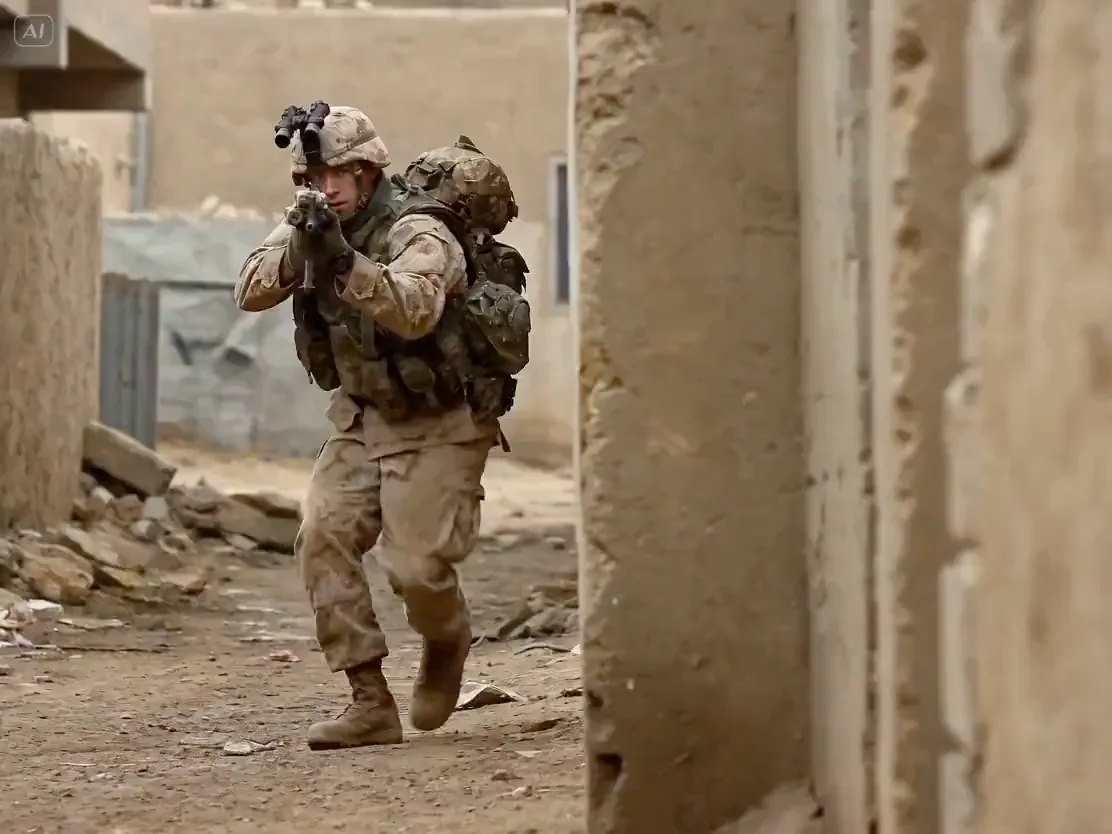
A reference video can contribute movement, performance, camera behavior, timing, existing footage, or another temporal reference. Official H3 documentation supports multiple video-reference clips within the model's context limits.
The standard current Sora 2 create-video API does not expose a comparable video-reference input field. That makes H3 more suitable when an existing moving source is part of the creative brief. This is a workflow difference, not a claim that one model always produces better motion.
H3 Can Use Audio as Creative Context
Audit sound inputs separately from sound outputs before porting a Sora 2 request. Sora 2 generates synchronized audio, but its standard interface does not expose an audio reference input. Adding supplied audio in H3 requires accompanying visual context, so that use case needs new input preparation rather than a direct field-for-field migration.
For projects driven only by newly generated sound, both solve the basic audiovisual problem. For existing audio references, H3 provides more control. The dedicated AI video generator with sound page explains the shared output workflow.
MiniMax H3 Offers a Wider Duration Range
MiniMax H3 officially supports clips from 4 to 15 seconds. The current Sora 2 API supports 4, 8, or 12 seconds. Both are short-form systems. H3 gives creators a larger continuous range and reaches 15 seconds, while Sora uses fixed choices.
MiniMax H3 Has the Stronger High-Resolution Path
 SORA 21280 × 720H3768P BASE2K REGENERATE
ILLUSTRATIVE FRAME · NOT H3 OR SORA 2 OUTPUT
During a Sora 2 migration, inventory downstream assumptions about frame size. Standard Sora 2 exposes 1280 × 720 landscape and 720 × 1280 portrait output. H3 begins with a 768p short side and offers H3-Regenerate-2K as a further step. Check the receiving editor or application against the chosen H3 output; keep Sora 2 Pro outside this standard-model comparison.
H3 Supports More Aspect Ratios
 21:9
21:9 16:9
16:9 4:3
4:3 1:1
1:1 3:4
3:4 9:16LANDSCAPEPORTRAIT
Illustrative compositions · not MiniMax H3 or Sora 2 output
For ordinary horizontal or vertical content, Sora's two choices cover many common needs. The difference becomes more relevant when a project needs square, ultra-wide, 4:3, 3:4, or another specific composition. H3's broader frame flexibility reduces the need to adapt every result afterward.
Sora 2 Was Built Around Realism and Controllability
OpenAI positioned Sora 2 around improved physical behavior, realism, controllability, and synchronized sound. Official positioning is not the same as a controlled head-to-head benchmark, so this page does not claim a visual-quality winner.
MiniMax H3 Is Built for More Than One Prompt
H3 can bring approved character images, product visuals, motion reference, source footage, voice, music, and environmental audio into one multimodal context. That makes it especially relevant where consistency and relationships between existing assets matter.
New Sora 2 Integrations Have a Deadline
A new application built around Sora 2 today would immediately inherit a near-term migration requirement. The technical capabilities do not disappear from history because the product is being discontinued, but lifecycle status changes whether it is sensible to make the API a new dependency.
MiniMax H3 currently has the opposite trajectory. The model has recently been opened and is part of an active deployment ecosystem. For a new system, that gives H3 a major practical advantage. For an existing Sora 2 system, the more relevant question is migration timing.
How Existing Sora 2 Workflows Should Evaluate H3
Migration does not mean copying every existing Sora 2 prompt into H3 and expecting identical results. Identify what the current implementation actually depends on. Test representative production prompts, use the same type of source images, verify generated sound and any need for audio-reference input, map 4, 8, or 12 second jobs to an appropriate H3 duration, and determine whether 768p base output or 2K regeneration adds value.
Plan the migration before the current API retirement date rather than treating the date as a last-minute engineering deadline. For existing users, MiniMax H3 vs Sora 2 is best approached as a controlled migration evaluation.
Map the Sora Dependency Before Replacing It
Before choosing a replacement, inventory every place the current Sora integration affects production: request schemas, prompt templates, image preparation, duration assumptions, polling logic, storage, moderation handling, retries, and downstream editing. The migration risk usually sits in these connections rather than in the model name itself.
Build an H3 test path beside the existing service and compare representative jobs while both routes remain available. Record differences in input preparation, failure handling, sound, duration, output format, and review time. A staged migration gives teams time to update application logic and creative guidance before the published API retirement date.
MiniMax H3 vs Sora 2 by Workflow
Which One Should You Choose?
> STARTING NEW PROJECT?YES → H3> NEED OPEN WEIGHTS?YES → H3> NEED VIDEO/AUDIO REFERENCES?YES → H3> NEED SEVERAL REFERENCE IMAGES?YES → H3> NEED A 2K PATH?YES → H3> ALREADY USING SORA?YES → MIGRATION PLANKeep an existing Sora 2 production system stable while building and testing a migration plan. If the project needs to operate after September 24, 2026, do not design the new system around Sora 2 as its long-term core dependency.
Is MiniMax H3 Better Than Sora 2?
There is no responsible universal visual-quality answer without controlled testing across representative prompts. The comparison should instead be evaluated by requirements that can be verified.
MiniMax H3 currently gives users open weights, more reference inputs, video references, audio references, broader aspect ratios, up to 15-second generation, a documented 2K workflow, and an active ecosystem. Sora 2 offers synchronized audiovisual generation and was designed around realism, physics, and controllability.
For a new project in August 2026, MiniMax H3 is the more practical platform choice. That conclusion is about workflow sustainability, not a claim that H3 wins every individual visual-generation test. Teams can use MiniMax H3 online when browser-based access fits the evaluation.
MiniMax H3 vs Sora 2 FAQ
Record request fields, image preparation, duration assumptions, polling, storage, and downstream editing dependencies.
Use them as starting briefs, then test behavior in H3 rather than expecting identical output from identical wording.
Choose an H3 duration that serves the original edit and check timing against the surrounding shots.
Check the dimensions expected by your application and editor against the H3 output route selected for migration.
Evaluate dialogue, effects, and ambience with the picture, and record what needs separate finishing.
That adds an input-preparation requirement: H3 audio references need accompanying image or video context.
Start with a parallel test path for representative jobs, then update the dependent application steps based on results.
Track rejected outputs, request errors, retries, and retrieval problems as well as successful clips.
Confirm the provider lifecycle and your operational deadline before scheduling the transition.
When representative jobs meet delivery requirements and the application handles submission, retrieval, and failure recovery reliably.
MINIMAX H3
Inventory one existing integration, run representative jobs through the replacement path, and schedule the transition around verified operational requirements.
Explore MiniMax H3PLAN MIGRATION
Sora 2 remains important for existing integrations, but its published API retirement date makes continuity planning part of the technical decision.
Open H3 ToolFor a new AI video workflow, MiniMax H3 is the stronger long-term choice. For an existing Sora 2 integration, plan the migration while the API is still available.